 tsiry-sandratraina.com

Fireup#

fireup is a tool designed to simplify the process of setting up and managing Firecracker microVMs. It automates the preparation of the necessary files, including kernel images, root filesystems, and SSH keys, to quickly get you started with Firecracker.
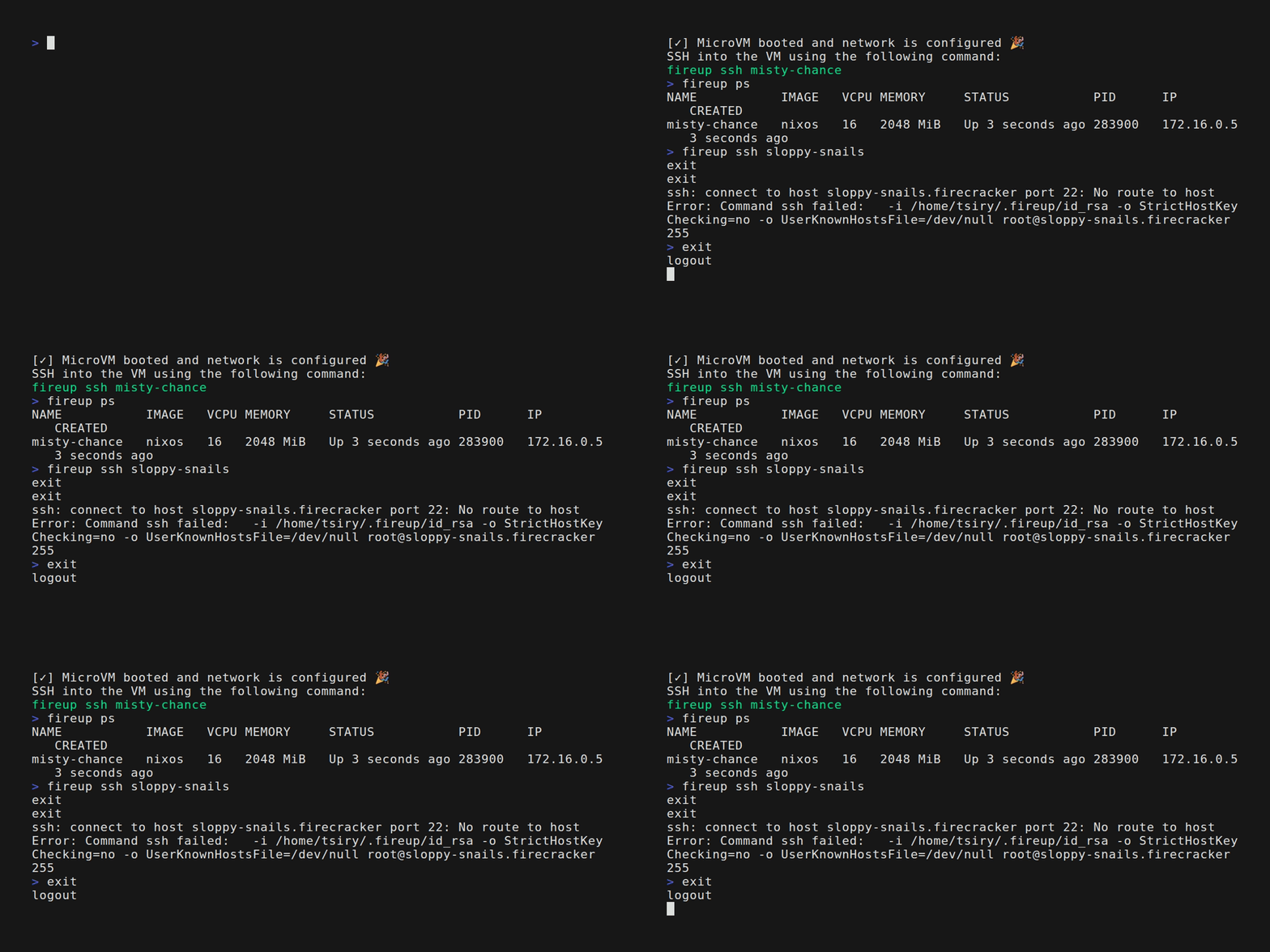
Features#
- Quick Setup: Prepares linux kernel, Ubuntu/Debian/Alpine/NixOS rootfs, and SSH keys in one command.
- Seamless VM Management: Start, stop, and monitor Firecracker microVMs with intuitive subcommands.
- Network Configuration: Automatically sets up TAP devices, IP forwarding, and NAT for connectivity.
- SSH Access: Easily connect to the microVM via SSH.
- Cross-Architecture Support: Supports x86_64 and aarch64 with automatic detection.
- Robust Error Handling: Clear error messages using anyhow for easy debugging.
Prerequisites#
Installation#
You can install fireup using bash:
curl -sSL https://raw.githubusercontent.com/tsirysndr/fireup/main/install.sh | bash
Ubuntu/Debian#
echo "deb [trusted=yes] https://apt.fury.io/tsiry/ /" | sudo tee /etc/apt/sources.list.d/fury.list
sudo apt-get update
sudo apt-get install fireup
Usage#
     _______           __  __
    / ____(_)_______  / / / /___
   / /_  / / ___/ _ \/ / / / __ \
  / __/ / / /  /  __/ /_/ / /_/ /
 /_/   /_/_/   \___/\____/ .___/
                        /_/


Usage: fireup [OPTIONS] [COMMAND]

Commands:
  init     Create a new MicroVM configuration `fire.toml` in the current directory
  ps       List all Firecracker MicroVM instances
  start    Start Firecracker MicroVM
  stop     Stop Firecracker MicroVM
  restart  Restart Firecracker MicroVM
  up       Start a new Firecracker MicroVM
  down     Stop Firecracker MicroVM
  status   Check the status of Firecracker MicroVM
  logs     View the logs of the Firecracker MicroVM
  ssh      SSH into the Firecracker MicroVM
  reset    Reset the Firecracker MicroVM
  rm       Delete the Firecracker MicroVM
  serve    Start fireup HTTP API server
  inspect  Inspect the Firecracker MicroVM details
  help     Print this message or the help of the given subcommand(s)

Options:
      --debian               Prepare Debian MicroVM
      --alpine               Prepare Alpine MicroVM
      --nixos                Prepare NixOS MicroVM
      --fedora               Prepare Fedora MicroVM
      --gentoo               Prepare Gentoo MicroVM
      --slackware            Prepare Slackware MicroVM
      --opensuse             Prepare OpenSUSE MicroVM
      --opensuse-tumbleweed  Prepare OpenSUSE Tumbleweed MicroVM
      --almalinux            Prepare AlmaLinux MicroVM
      --rockylinux           Prepare RockyLinux MicroVM
      --archlinux            Prepare ArchLinux MicroVM
      --ubuntu               Prepare Ubuntu MicroVM
      --vcpu <n>             Number of vCPUs
      --memory <m>           Memory size in MiB
      --vmlinux <path>       Path to the kernel image
      --rootfs <path>        Path to the root filesystem image
      --bridge <name>        Name of the bridge interface [default: br0]
      --tap <name>           Name of the tap interface [default: ]
      --mac-address <MAC>    MAC address for the network interface
      --api-socket <path>    Path to the Firecracker API socket
      --boot-args <ARGS>     Override boot arguments
      --ssh-keys <SSH_KEYS>  Comma-separated list of SSH public keys to add to the VM
  -h, --help                 Print help
  -V, --version              Print version